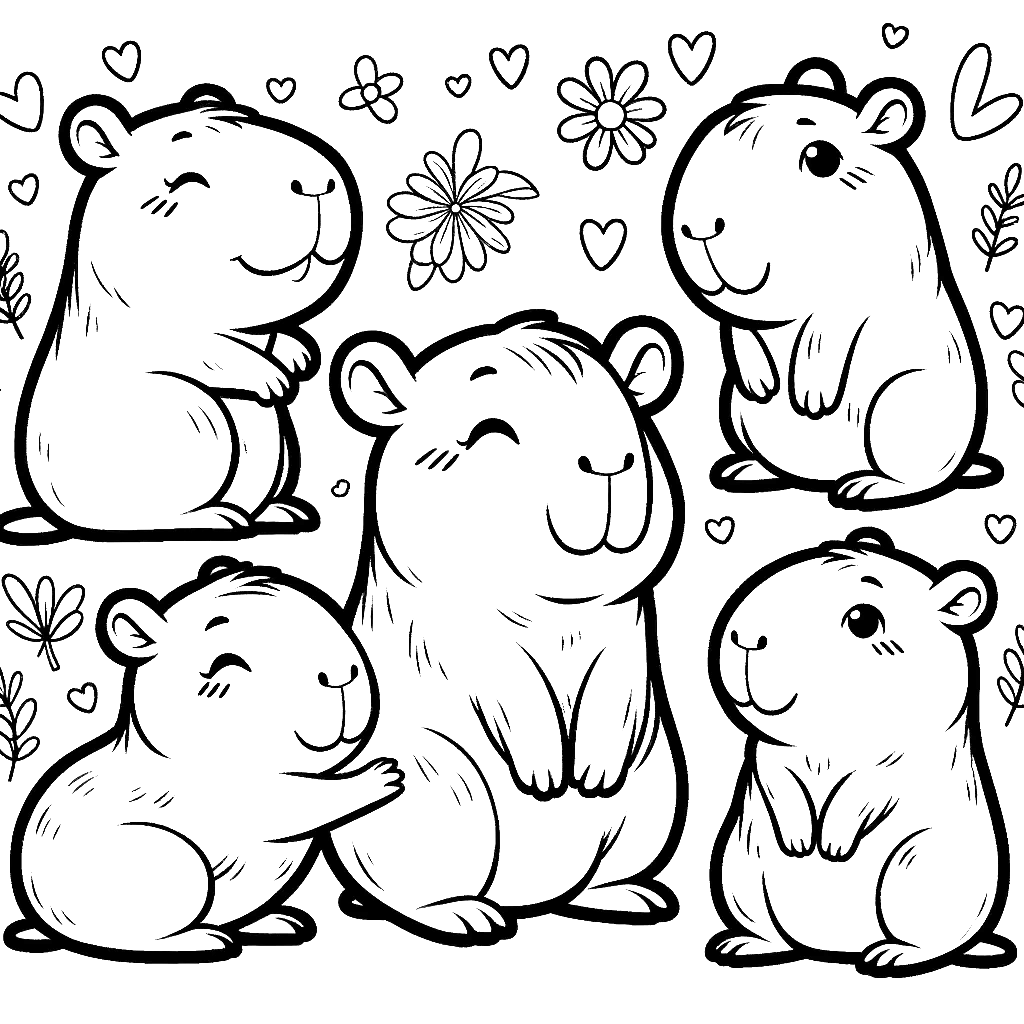
Color Online: Free Online Coloring Pages You Can Fill on Any Screen
Want to color online without a printer, paper or crayons? Our free tool lets you pick one of our online coloring pages, choose a color and fill each shape with a click or a tap. You can also paint freehand with the brush, fix mistakes with the eraser, and then save or print your finished picture. It works in your browser, so there is nothing to download, and you can try as many color ideas as you like.
How to Color Online in 4 Steps
- Choose a page. Pick a picture from the Choose a page strip next to the canvas, or press the purple Color Online button under any picture in our collections. Press Browse all collections to find more.
- Pick a color. Choose from the palette, or use the Any color picker to make a shade of your own.
- Fill or paint. Use Fill to color a whole shape with one click, or switch to Brush to draw freehand. Eraser takes color away, Undo steps back and Clear starts the page again.
- Save or print. When you are happy with it, press Save picture to keep your artwork or Print to print it.
Free Online Coloring Pages for Every Interest
Looking for something to color online? Start with these popular collections, then press the purple Color Online button under any picture you like.
- Cute coloring pagesKawaii animals, treats and magical friends.
- Anime coloring pagesDetailed manga-style art for teens and adults.
- Mandala coloring pagesSymmetrical patterns for a calm session.
- Vehicle coloring pagesCars, trucks, fire engines and tractors.
- Animal coloring pagesDozens of animal collections.
- Dinosaur coloring pagesT. rex, triceratops and more.
- Unicorn coloring pagesMagical unicorns to color.
- Mermaid coloring pagesMermaids for kids and adults.
- Alphabet coloring pagesA big bubble letter for every letter.
- Number coloring pagesNumbers 0 to 20 with pictures to count.
Why Color Online?
- No mess and no supplies. Great for the car, the waiting room or a rainy afternoon.
- Try before you print. Test a color scheme on screen, then print a clean page and color it for real.
- Unlimited second chances. Undo a step or clear the page and start over as often as you like.
- Works for every age. Young children enjoy filling large shapes with one click, and teens and adults like experimenting with palettes on detailed pages.
- Free. You can color online free, with no sign-up needed.
Tips for Better Online Coloring
- Pick a palette first. Four or five colors that work together make any page look balanced.
- Fill the big areas first, then use the brush for small details such as eyes and patterns.
- Keep one color for the background. A light background color makes the main character stand out.
- Use light and dark versions of one color side by side, such as light blue and navy, to make shapes look three-dimensional.
- Begin with an easy page if you are new. Our easy coloring pages have big, simple shapes.
Color Online or Print? Do Both
Coloring on a screen and coloring on paper are different experiences, and many people enjoy both. Online coloring is quick and tidy. Paper lets you blend pencils, add gel pen sparkles and hang your page on the wall. Every collection here can be printed free: see our adult coloring pages, coloring pages for teens and free printable coloring pages for kids. Want to make your own? Try the photo to coloring page converter or the name coloring page maker.
Coloring books have a long history of their own: you can read about it in this Wikipedia article on coloring books.
Frequently Asked Questions
Is it free to color online here?
Yes. You can color online free, and there is nothing to download.
Do I need an account?
No account is needed to start coloring.
Can I color on my phone or tablet?
Yes. The tool runs in your browser, so you can use it on a phone, a tablet or a computer. A bigger screen makes tiny shapes easier to reach.
Can I draw freehand, not just fill shapes?
Yes. Switch from Fill to the Brush to paint freehand, use the Eraser to take color away, press Undo to step back, or press Clear to start the page again.
Can I save or print my picture?
Yes. Press Save picture to keep your artwork, or Print to print it. You can also use the pink Print and Download buttons under any picture in our collections to get a clean copy and color it by hand.
Which pages can I color online?
Choose a picture from the Choose a page strip in the tool, or press the purple Color Online button under any picture in our collections. The pink Print and Download buttons sit next to it if you would rather color on paper.