Name Coloring Page Maker
Type a name and create a free printable name coloring page in seconds. Choose bubble letters, patterns, a fun theme and a frame, then print it or download it. Perfect for birthdays, classrooms, bedroom doors and gifts.
On this page: The maker Examples How it works Themes Occasions Learning ideas FAQ
Name Coloring Page Examples
Every page is made with the tool above. Change the name, theme, pattern and frame to make yours.
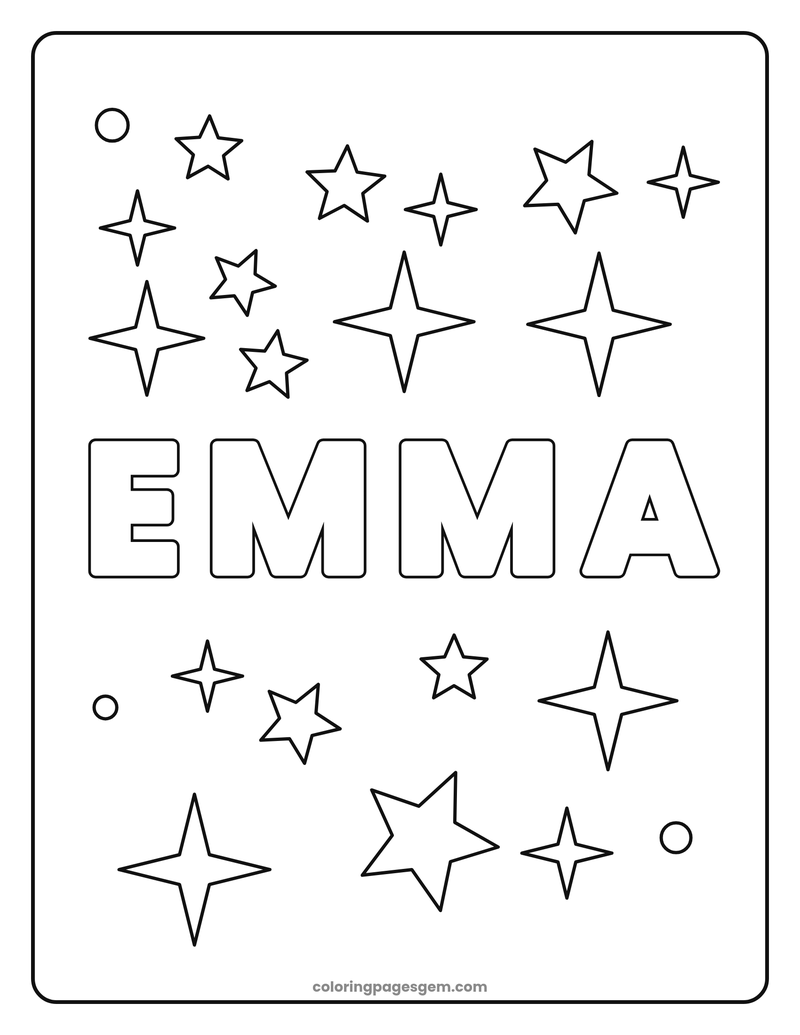
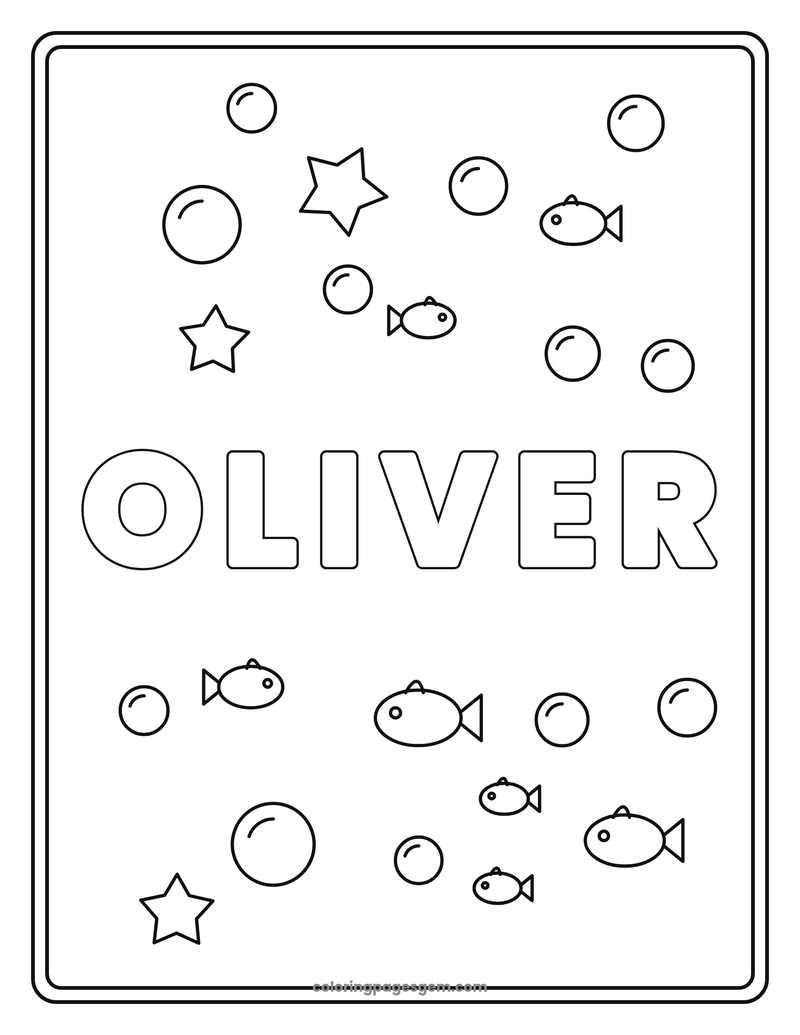
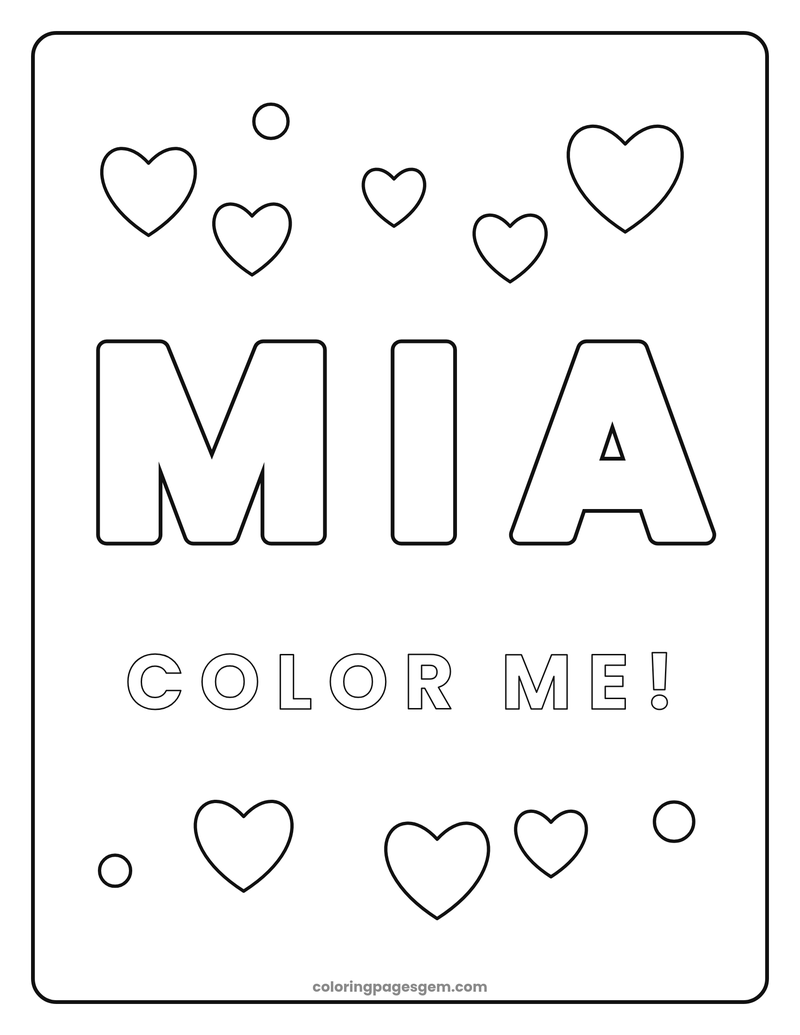
How to Make a Name Coloring Page
- Type a name. Use a first name, a nickname or a short phrase of up to 18 letters.
- Add a message (optional). Try "Happy Birthday!", "Welcome" or "Color me!".
- Choose a theme and style. Pick stars, hearts, flowers, rainbows, ocean or balloons. Roomy bubble letters with Wide spacing leave the most space to color. Add a pattern inside the letters only if you want extra detail.
- Print or download. Press Shuffle to rearrange the decorations until you like the page, then print it or download the PNG.
What Is a Name Coloring Page?
A name coloring page is a personalized coloring page with a name written in big outline letters, surrounded by pictures to color. You may also see them called custom name coloring pages, coloring pages with names or personalized coloring sheets. They make a child feel special, because the page is all about them.
Our maker creates the page instantly in your browser. You choose the look, and you can make as many pages as you like for children, friends and classmates. If you want ready-made pages with animals, try our animal coloring pages or our unicorn coloring pages.
Which Theme Should You Choose?
| Theme | Great for |
|---|---|
| Stars and sparkles | Any age, bedtime pages and space fans |
| Hearts | Valentine's Day, Mother's Day and gifts |
| Flowers | Spring, garden parties and teacher gifts |
| Rainbow and clouds | Toddlers, preschool and kindergarten |
| Ocean and fish | Summer, beach parties and ocean units (pair with our ocean animal coloring pages) |
| Balloons | Birthday parties and celebrations |
Name Coloring Page Ideas by Occasion
- Birthday parties: make a page for each guest, or one big page for the birthday child with a "Happy Birthday!" message.
- Back to school: a colorful name page for each child in the first week, ready to display on the wall.
- Classroom name tags and desks: choose Landscape for a wide name sign.
- Bedroom doors: color it, then hang it up as a name sign.
- Gifts and cards: a personalized page for grandparents, cousins and friends.
- Holidays: add a name page to a basket of Christmas coloring pages or Halloween coloring pages.
- Party favors: print several pages with different names and stack them with crayons.
Learning Activities With Name Coloring Pages
- Letter recognition: color each letter of the name a different color and say the letter names together.
- Counting: count the letters, then count the stars, hearts or fish around the name.
- Fine motor skills: tracing the outline with a finger or pencil before coloring builds hand control.
- Pattern practice: color the shapes inside the letters in a repeating pattern, such as red, blue, red, blue.
- First letter hunt: find the first letter of the name on signs and in books.
Make a Coloring Pack: Pair a Name Page With More Pages
A name page is even better with a few pictures to color alongside it. Here are some ideas to print together:
- For a dinosaur party, add our dinosaur coloring pages and T. rex coloring pages.
- For a magical birthday, pair it with our unicorn coloring pages or mermaid coloring pages.
- For animal lovers, choose from our animal coloring pages or our insect and bug coloring pages.
- For a geography lesson, add a flag page, such as our Monaco flag coloring pages.
- Want to color on a screen instead? Try the free Color Online tool, or turn your own picture into a page with the photo to coloring page converter.
Tips for Great Name Coloring Pages
- Short names look biggest and boldest. Long names are made smaller to fit the page.
- For young children, keep the default Roomy bubble letters with Wide spacing and No pattern. The open letters leave plenty of room for crayons.
- For older kids and adults, try Double outline with Zigzag or Hearts for a detailed bubble-letter look.
- Long names get smaller letters. For more room, choose Landscape, add Extra wide spacing, or use a shorter version of the name.
- Choose Landscape for a wide name sign, or Portrait for a classic page.
- Want a page from your own picture too? Try the photo to coloring page converter.
Frequently Asked Questions
Is the name coloring page maker free?
Yes. It is completely free, with no sign-up and no limit on how many pages you make.
How do I make a name coloring page?
Type a name, choose a theme, letter style, pattern and frame, then press Print or Download PNG. Press Shuffle decorations to rearrange the pictures around the name.
Do you save or collect the names I type?
No. The page is made in your own web browser. Nothing you type is sent to our server or saved.
How do I leave more room to color inside the letters?
Keep Roomy bubble letters, set Letter spacing to Wide or Extra wide, and leave Pattern inside letters on None. Short names get the biggest letters. For a long name, choose Landscape.
How many letters can I use?
You can type up to 18 characters, including spaces. Short names are made large and bold. Longer names with a space are split onto two lines to fit.
Can I make a page with two names or a phrase?
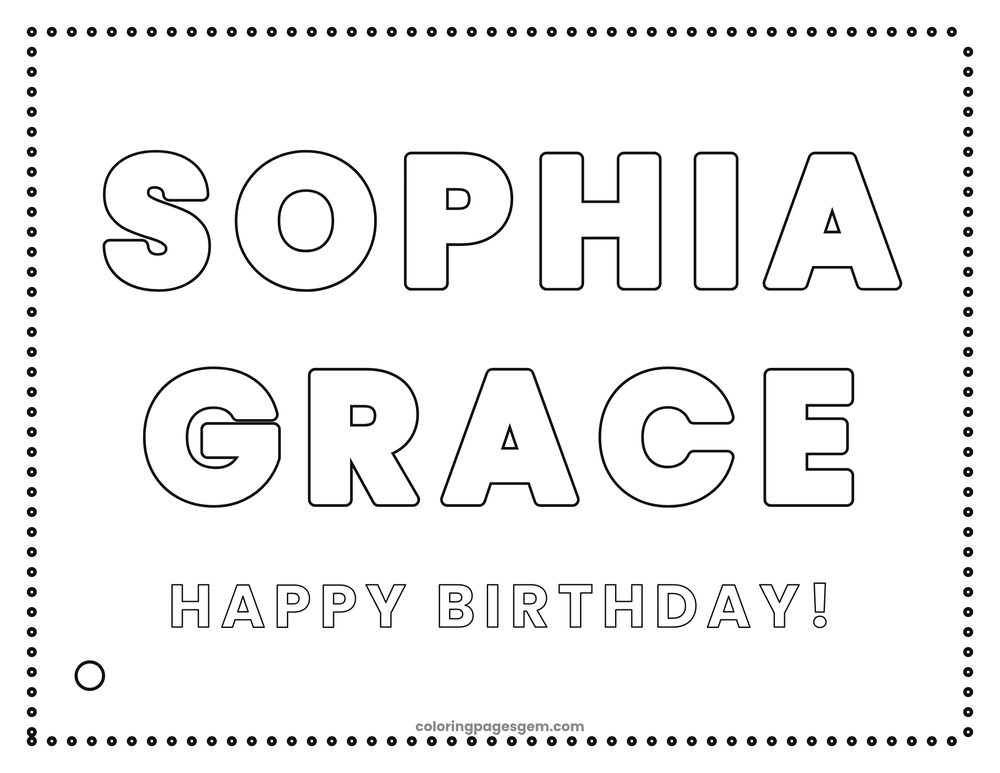
Yes. You can use any short phrase up to 18 characters, such as "Sophia Grace" or "Team Blue". You can also add a small message like "Happy Birthday!" under the name.
Can I make a page with a letter that has an accent?
Most letters with accents, such as é, ñ and ü, work. If a special character does not show correctly, try it without the accent.
How do I print a name coloring page?
Press Print to print on letter or A4 paper, or Download PNG and print the picture from any program. The page is made at a high resolution so the lines stay crisp.
Can I add my own photo to the page?
The name maker uses drawings, not photos. To turn a picture into a coloring page, try our free photo to coloring page converter.
Which colors should I use?
Anything you like. The pages are black and white outlines, so you can use crayons, colored pencils or markers. You can also try the free Color Online tool on our other pages.
Can teachers use the name coloring pages in class?
Yes. Print a page for each child for the first week of school, a classroom door sign or a birthday display. The pages are free for classroom use.
More Free Coloring Pages and Tools
Make a name page now
Free, private and ready to print in seconds.
Make My Page